Launch Mix Studio
Run the installer on Windows or macOS. On Linux, clone the repository and run ./start-mixstudio.sh. Mix Studio opens setup automatically.


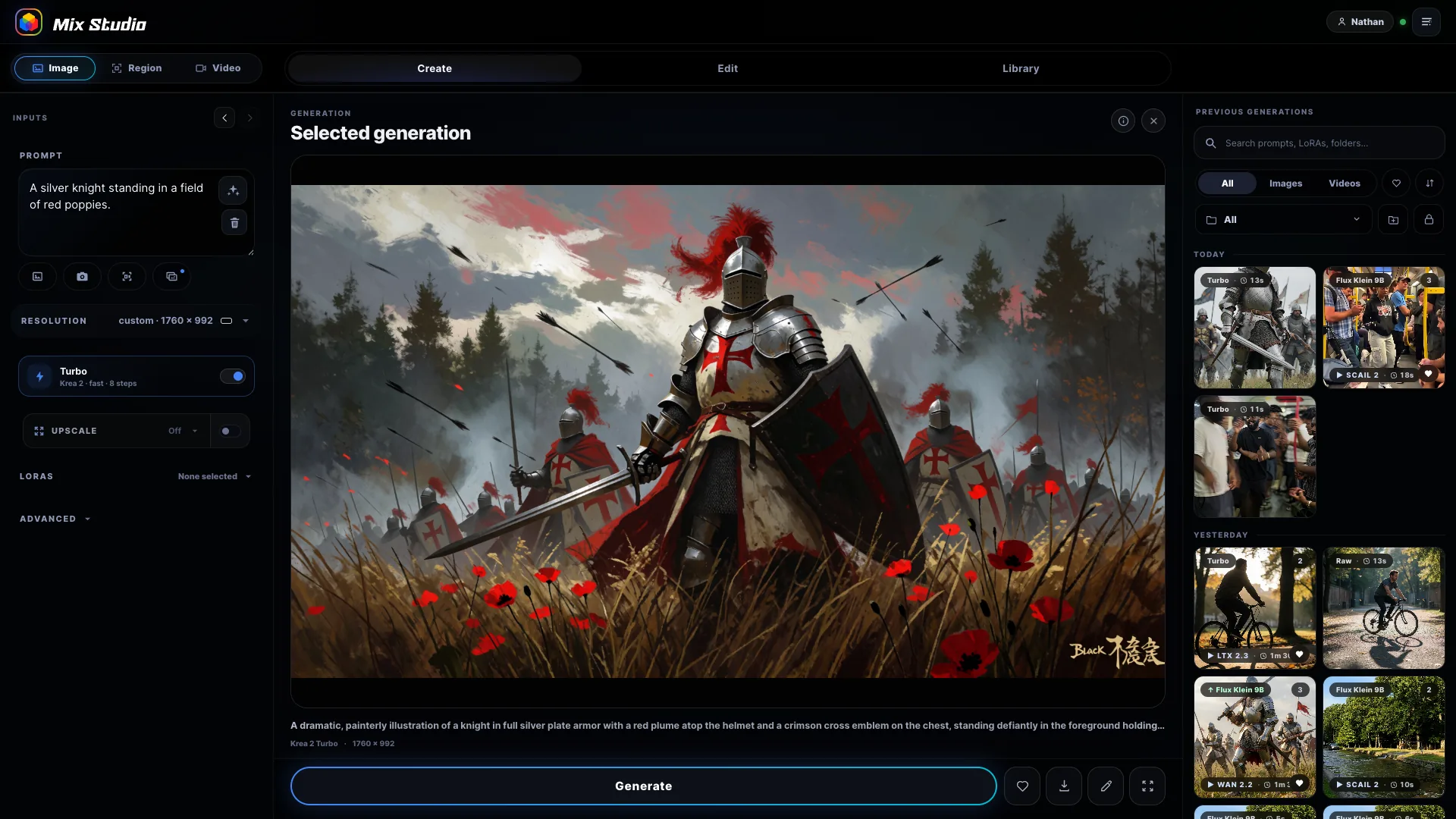
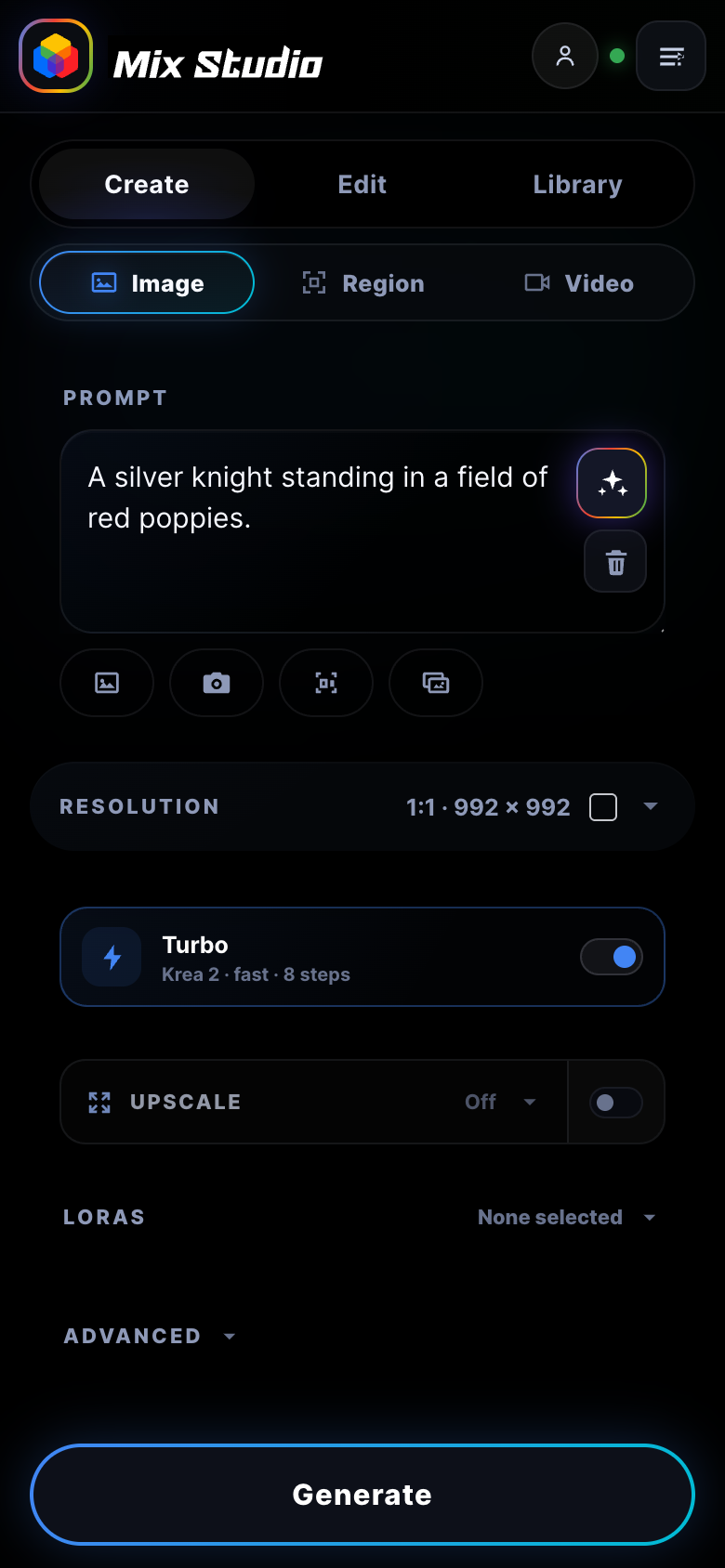
A clean, responsive AI workspace built on ComfyUI. Run highly tuned image and video workflows flawlessly from your desktop or your phone. Features curated setups for Krea 2, Flux Klein, Qwen Image 2.1 and Qwen Edit, MiniMax H3, LTX 2.3 / 2.5, Wan 2.2, and SCAIL 2.

Created by Black Mixture
Mix Studio is built by Black Mixture: a creative studio and education platform focused on design, storytelling, and practical AI tools for artists and innovators.


A different local AI workflow
Most local tools chain you to a desk. Mix Studio lets your PC handle the heavy lifting while giving you full creative control from anywhere.
Quick start
Run the installer on Windows or macOS. On Linux, clone the repository and run ./start-mixstudio.sh. Mix Studio opens setup automatically.
Start a detected installation, install ComfyUI Desktop, or choose a live endpoint. Then use Quick setup, install only that workflow, or open the full guide.
Add an Owner PIN, then use the Phone access card to install Tailscale and copy or share the private URL.
Curated for better results
Mix Studio starts with carefully selected models and practical, workflow-tested defaults. You get strong results quickly, while advanced controls remain available when you need them.

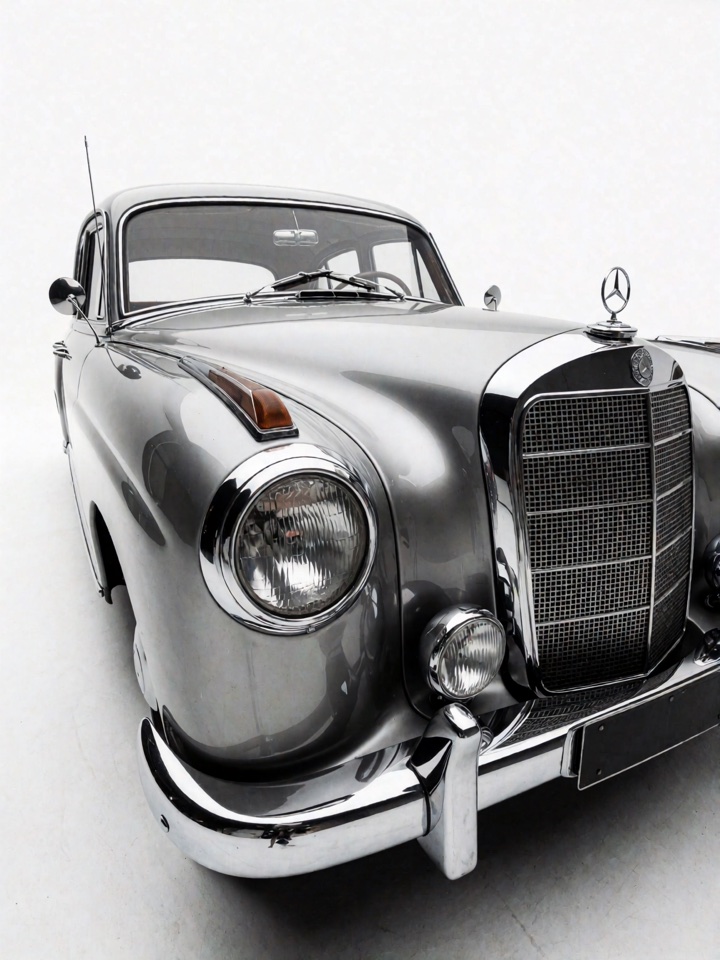
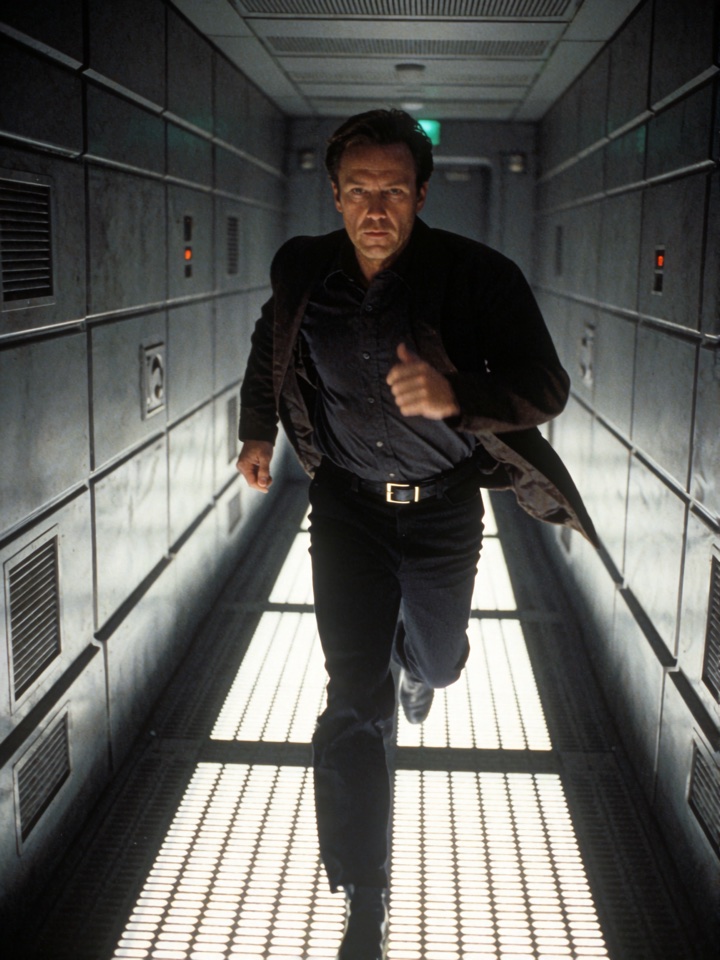

Generate with Krea 2 or the additional Qwen Image 2.1 model, with model-aware sampling, LoRAs, and prompt assistance. Krea 2 also supports source and depth guidance.
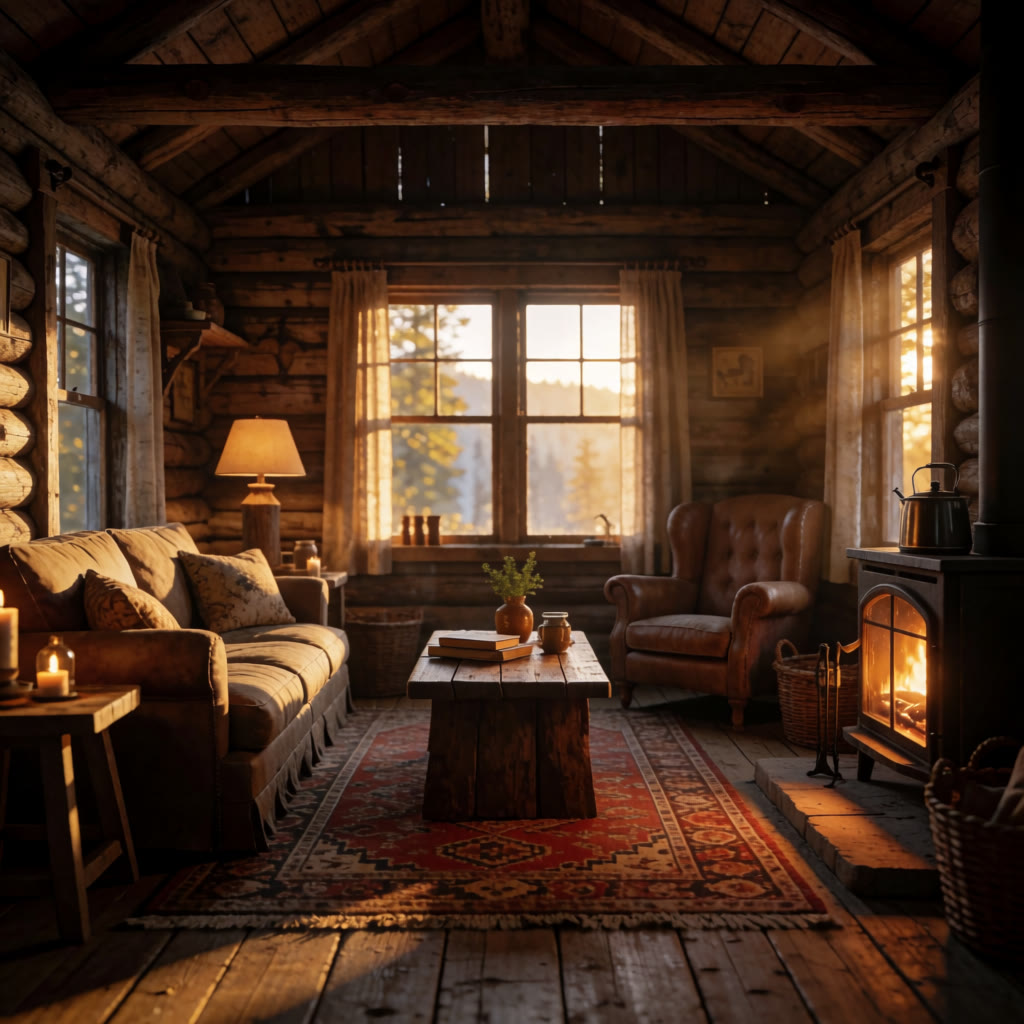
Address references directly in the prompt with @, use masks and smart selection, choose Continue Edit, or expand a source while preserving its detail.

Position the ocean, island, snow biome, and lava volcano independently, then generate one coherent scene.
Use MiniMax H3 for text, first/last-frame, or reference-driven video with native audio, alongside LTX Face ID and lipsync audio, Wan, 10Eros, and SCAIL.


Upscale with tuned SeedVR2 or Ultimate SD profiles, then reveal, zoom, and pan across details before exporting.
Search, sort, like, group, continue editing, document, and mirror exports from the mobile or desktop library.
Measured, compared, tuned
There is no single best local model. Mix Studio evaluates each family against the job it needs to do, then balances visual quality, iteration time, control, stability, and hardware fit.
12 Steps · Source and Depth Guidance · Regional Control
4-Step Scheduler · Up to 3 References · Masks and Outpaint
Two-Stage Refinement · Image or Text · Native Audio
Text + Frames · Optional References · Native Stereo Audio
6-Step Workflow · SAM3 Tracking · Infinity Long Clips
Mix Studio does not enforce a VRAM cutoff or system RAM requirement. Klein 4B begins at 4 GB with offload. Krea 2 and most video workflows begin at an 8 GB guided tier; MiniMax H3 begins at 12 GB. Quantization, resolution, duration, and offload all affect fit.
Warm runs. Resolution, duration, and offload affect speed.
Free & Open Source
Made in Mix Studio
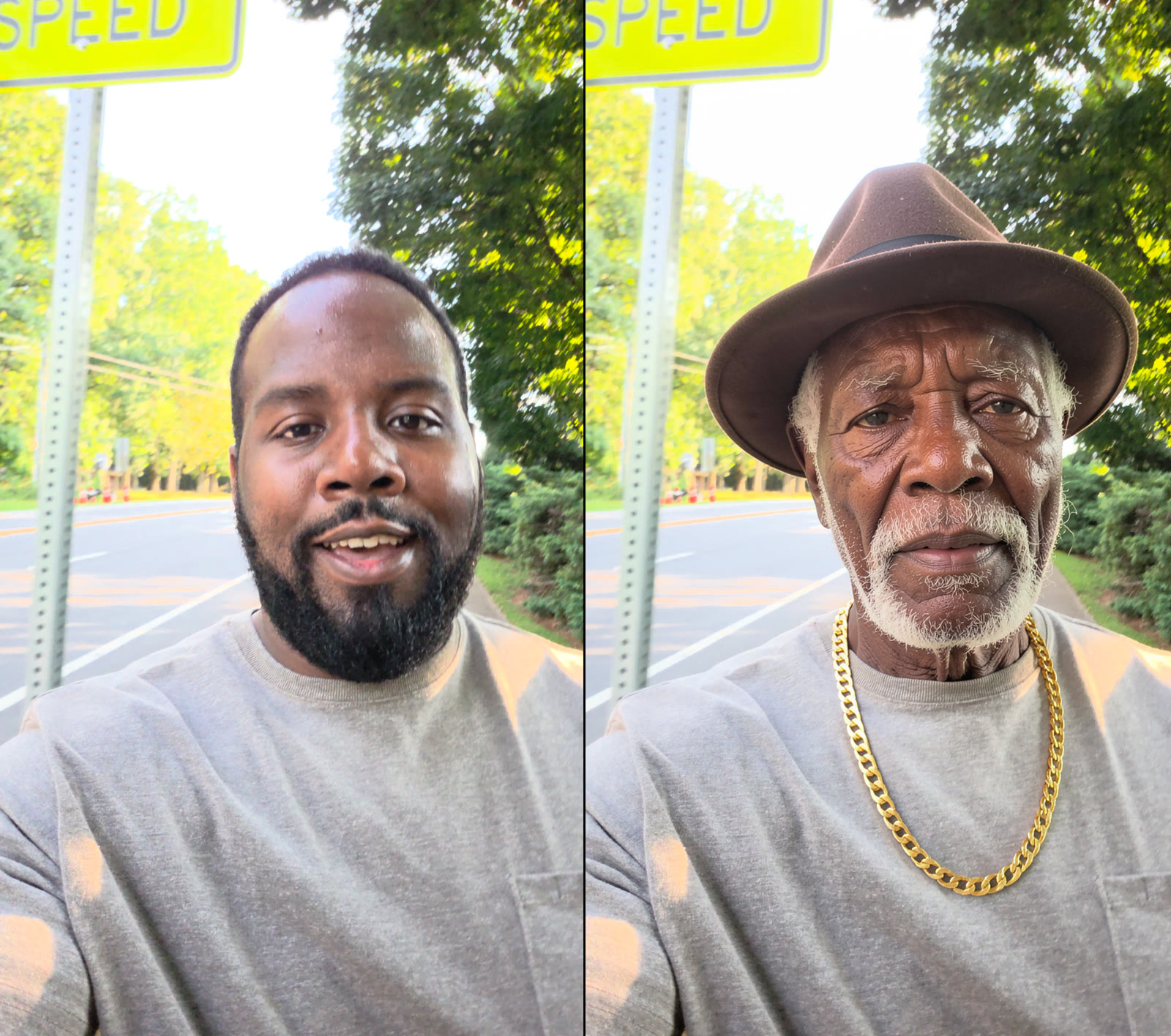
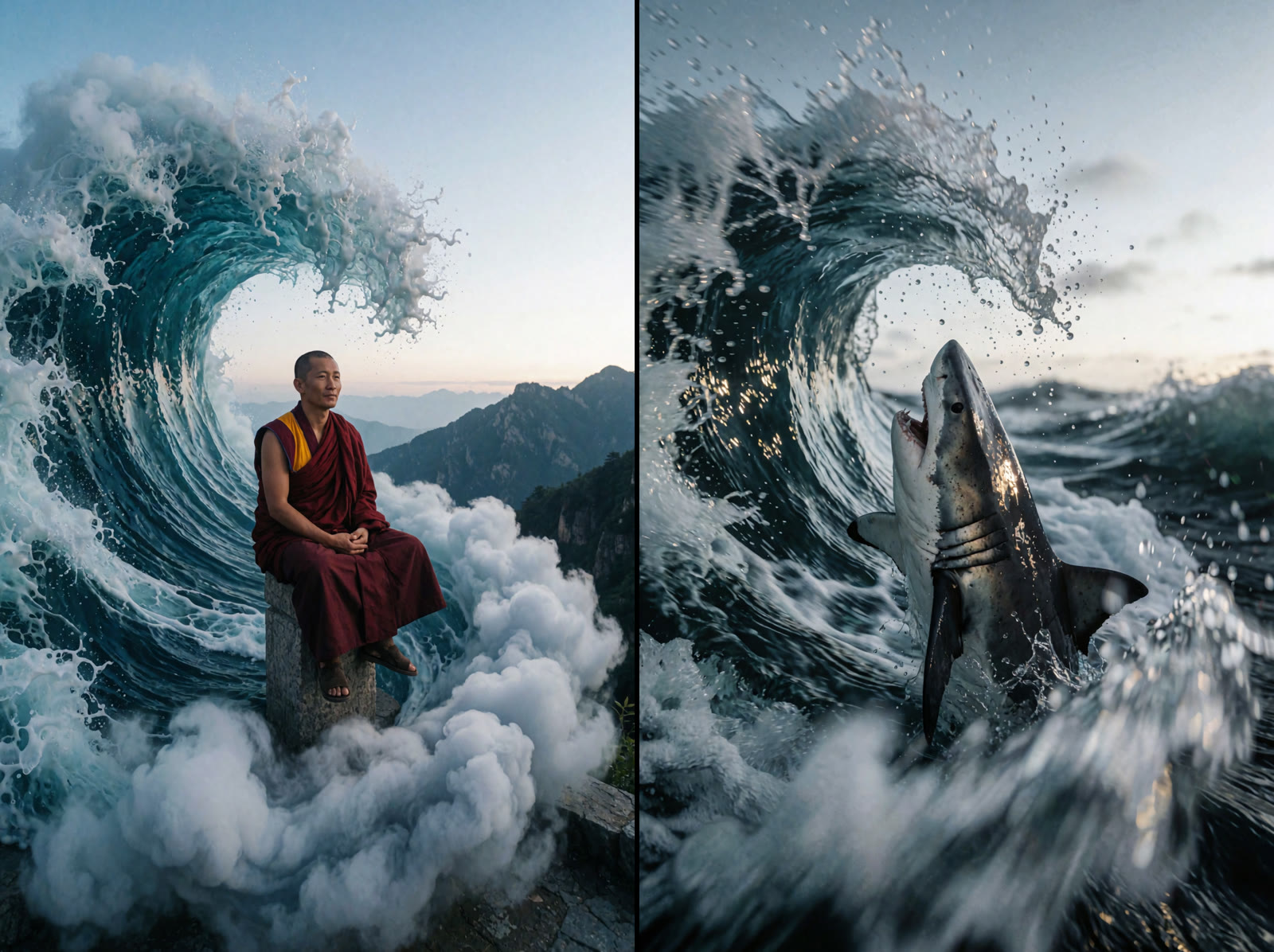
Every example was generated locally through tuned workflows for precise image edits, motion-preserving video transformations, image animation, and box-directed compositions.
Transfer the original motion while preserving timing, camera movement, realistic physics, and scene-aware lighting.
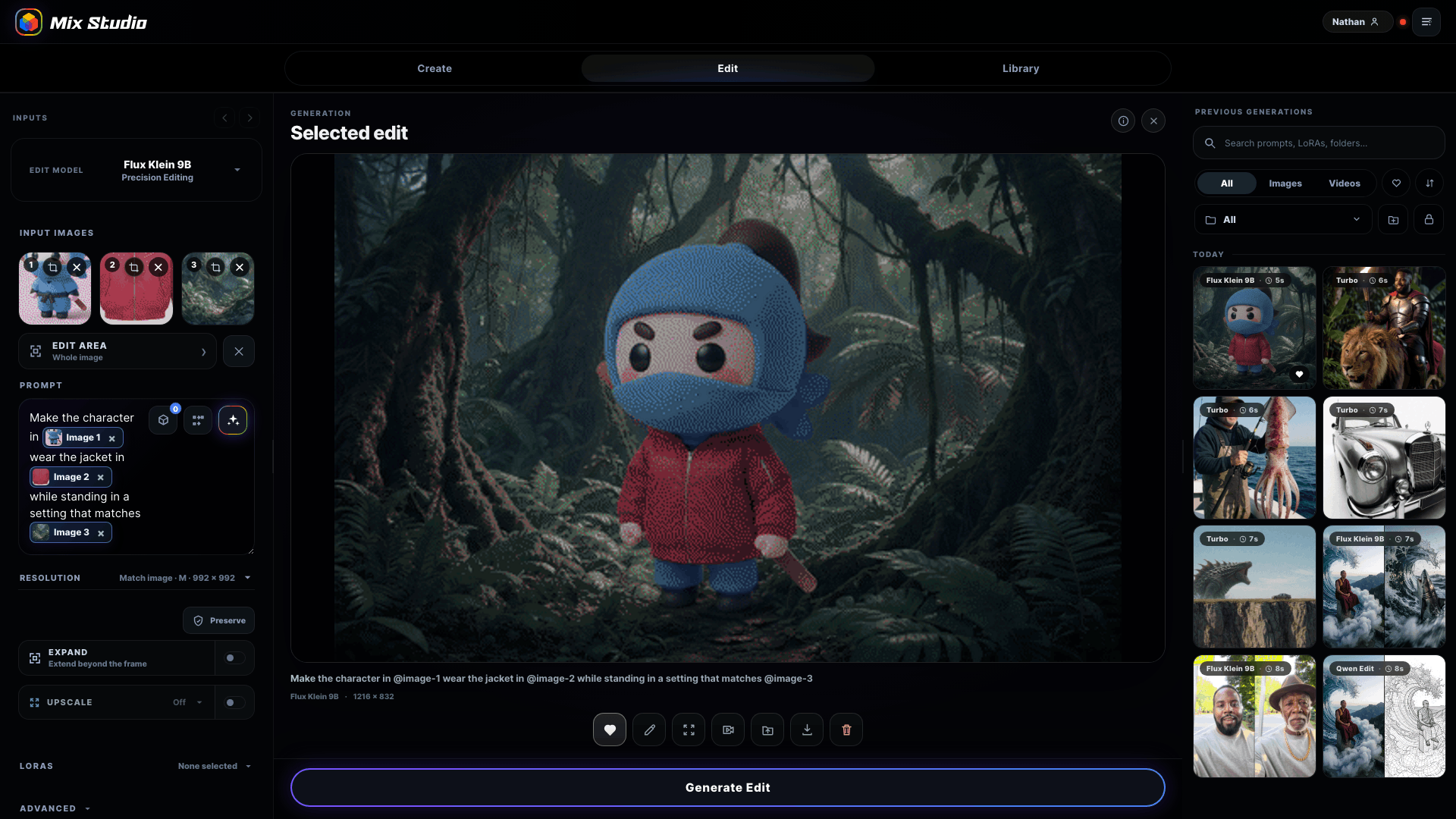
@Image 1 supplies the character, @Image 2 supplies the jacket, and @Image 3 supplies the setting in one Flux Klein 9B edit.

Place the sky, cliff, sea monster, and car with visual regions, then generate the complete scene in one pass.
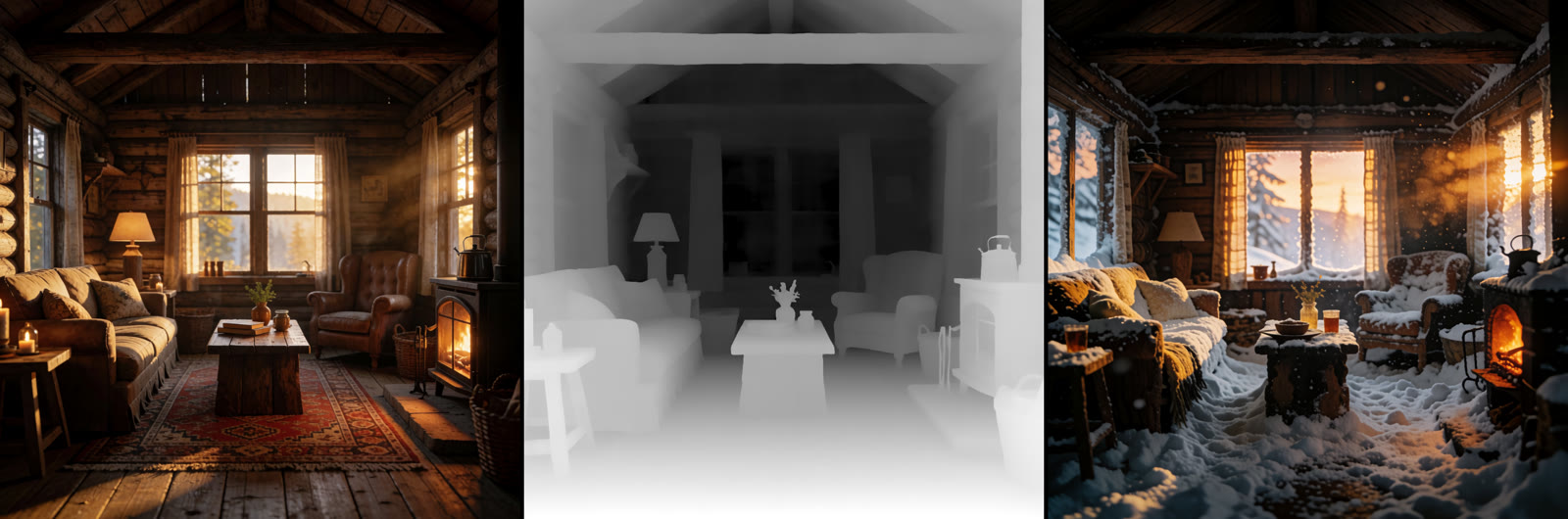
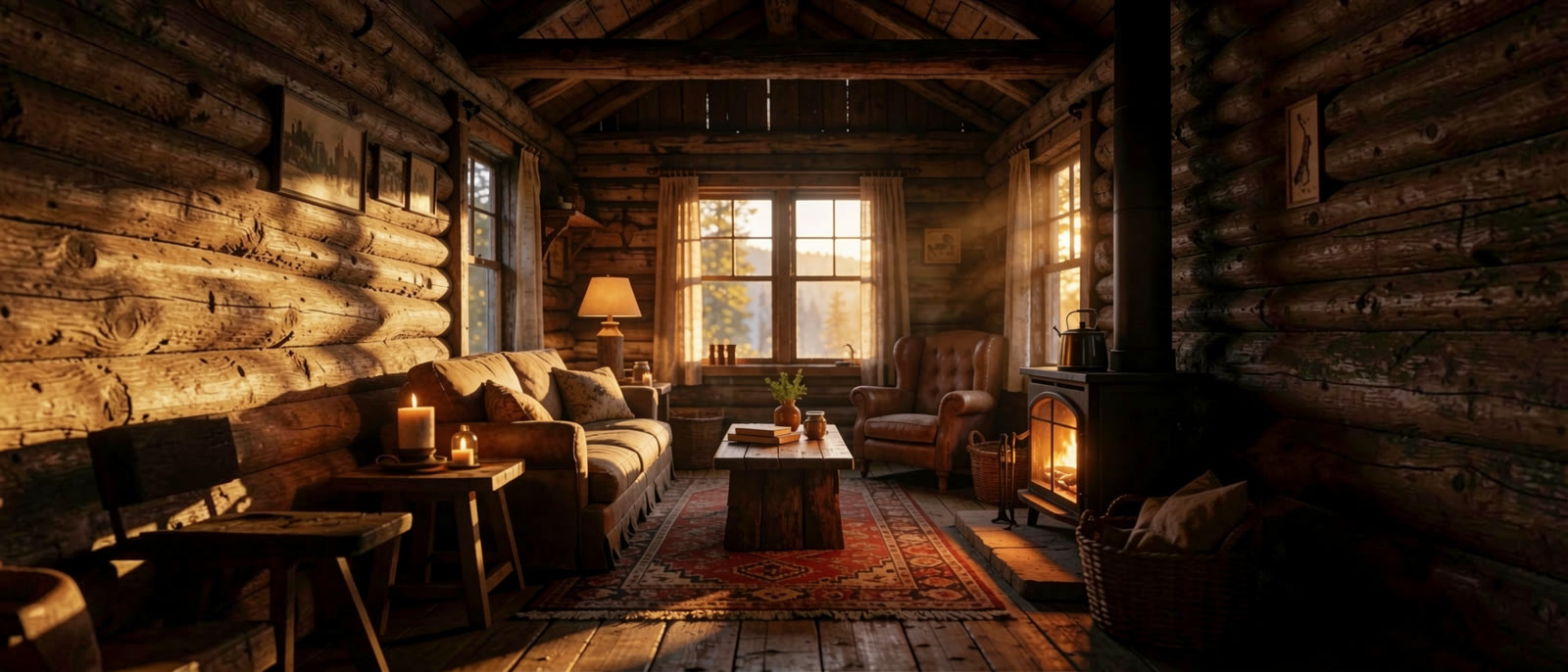
Source → Depth Anything V3 map → re-imagined scene. Every armchair and beam stays in place.
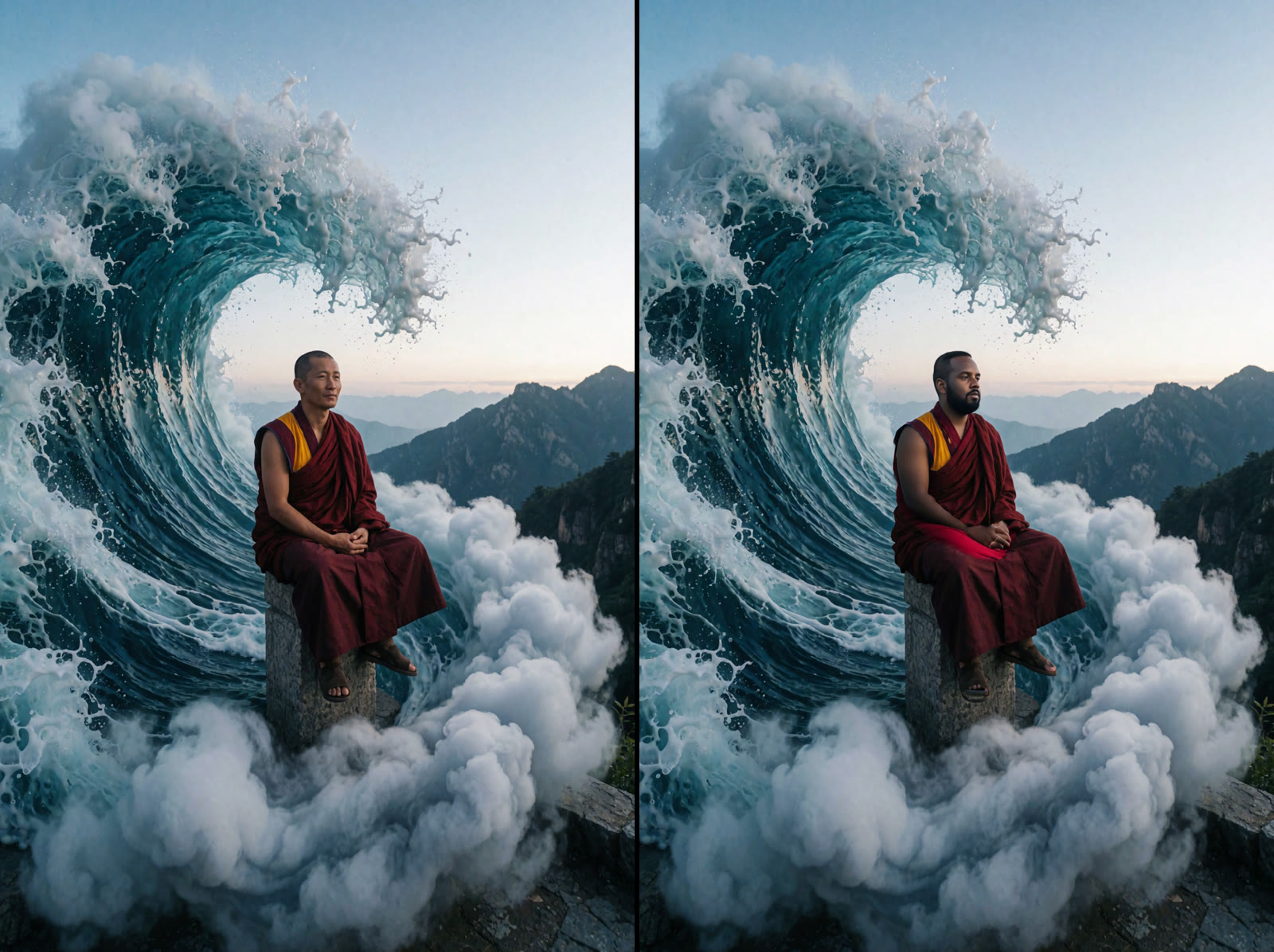
A character LoRA swapped into the masked area while the wave doesn't move a drop.
The subject and movement stay readable while the entire visual language changes.
The original center holds while the room expands naturally on both sides.
Useful when you need it
Profiles, contextual guidance, and dependency checks are close at hand without taking over the creative workspace.
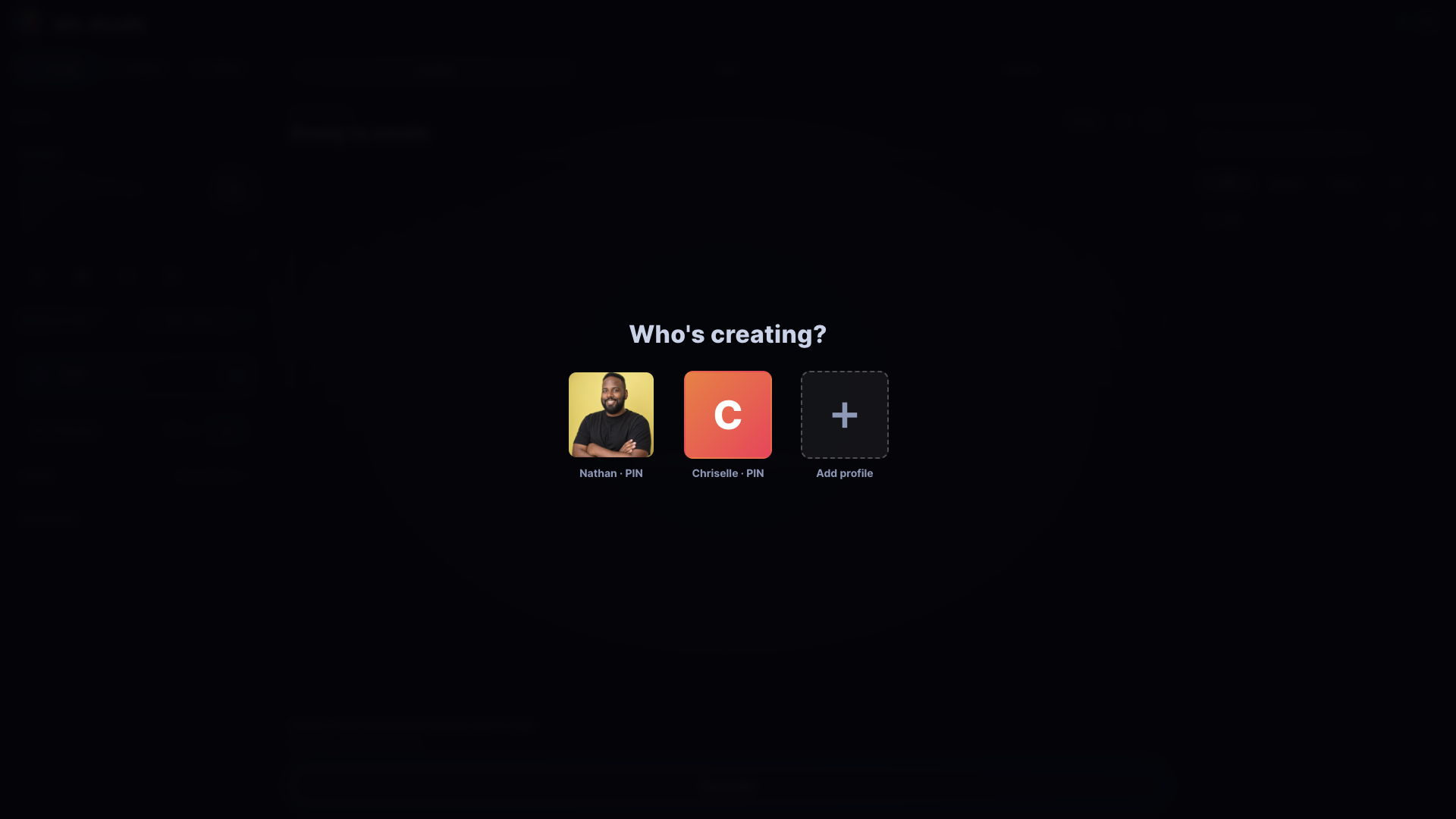
Optional PINs keep galleries, folders, presets, and history separate for each person.
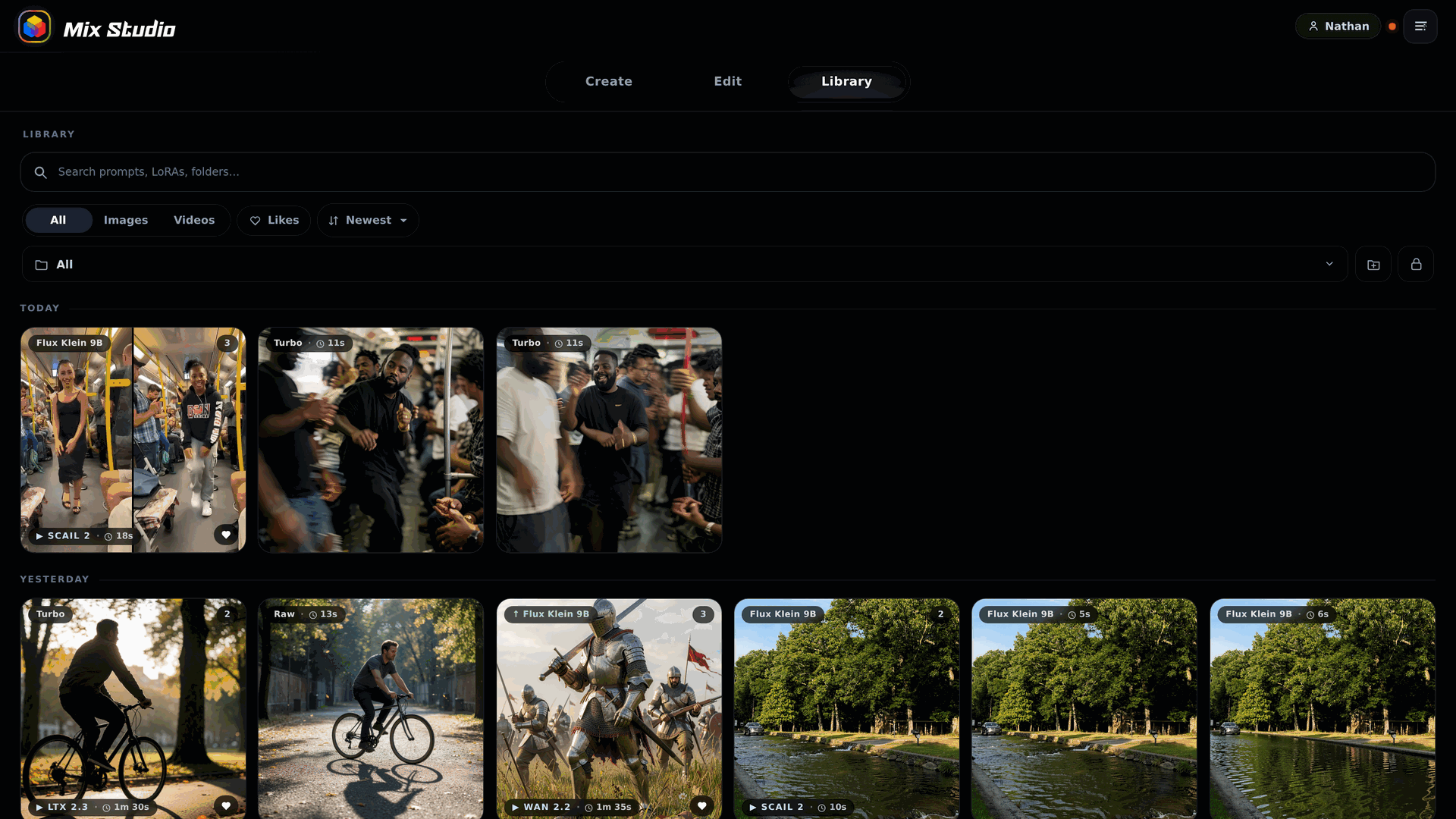
Focused tips explain gestures and controls when they become useful.
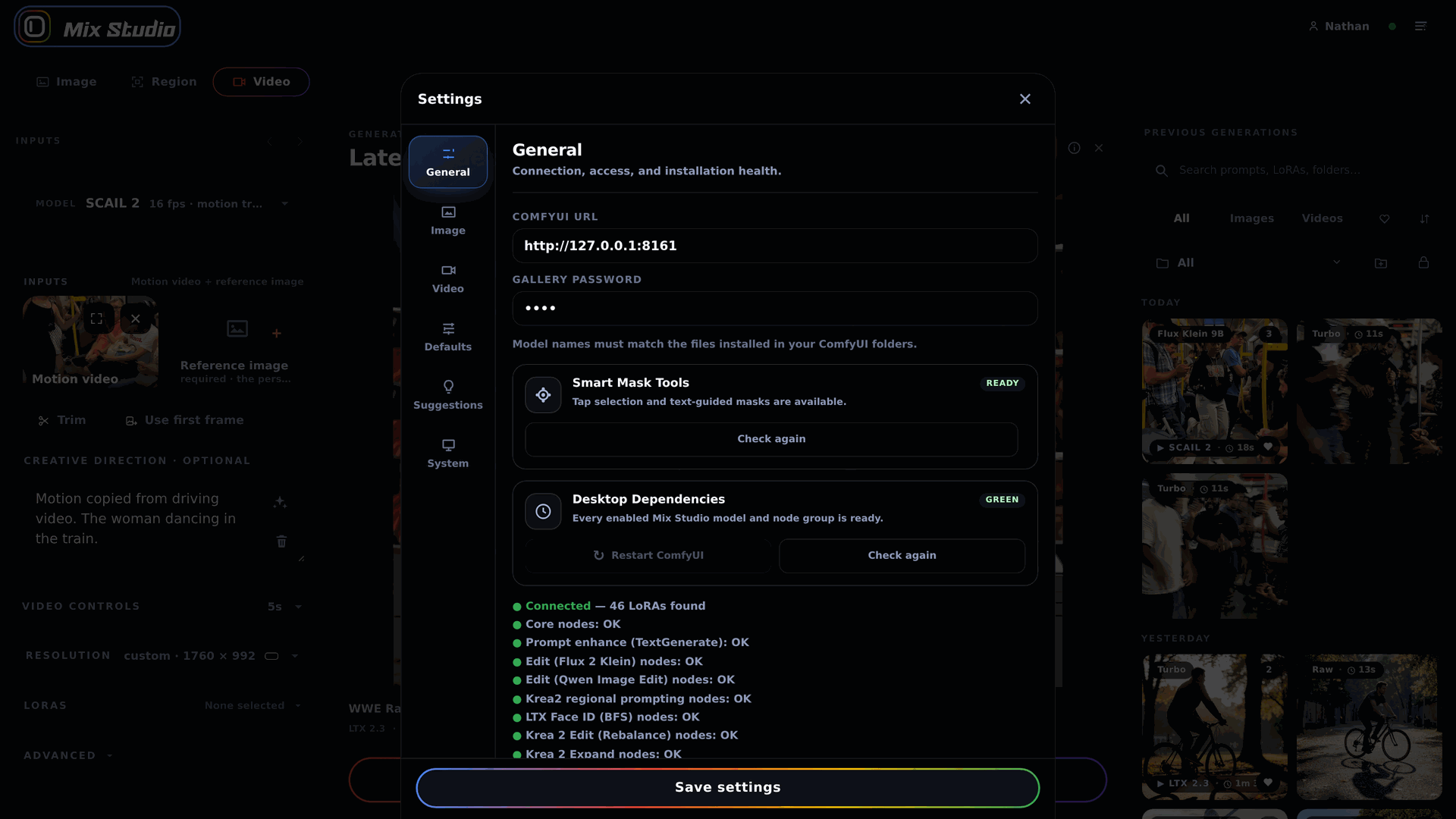
Each workflow reports the models and nodes it needs, with setup actions in the same UI.

Mix Studio can auto-detect your current ComfyUI install and downloaded models through registered files, shared-model YAML, and Desktop 2 directories across Windows, macOS, and Linux.
Enable Experimental Features to turn a photo into a local H3 orbit video and Gaussian splat. Explore the scene in Mix Studio, adjust its center and visible range, or export the PLY. Windows setup installs COLMAP and Brush separately. Generated environments can contain floaters or inconsistent geometry; this is an optional experiment. Read the workflow guide.
Hardware-aware setup detects GPU memory, offers the official Klein 4B FP8 route with offload from 4 GB, and offers Krea 2 INT8 ConvRot on 4–12 GB systems when Krea is selected. It does not enforce a system RAM requirement. It verifies ComfyUI 0.26.0 or newer for Krea 2, 0.27.0 or newer for native INT8 ConvRot, and 0.30.0 or newer for MiniMax H3. H3's separate Ref2VA model downloads only when Reference mode is selected. Setup reuses models already registered through ComfyUI, warns before a below-tier choice while keeping the install-anyway option, and never silently lowers a requested resolution or batch. The bootstrap retrieves the public Mix Studio repository; ComfyUI, models, and nodes download only after you choose an in-app setup option. The uninstaller leaves shared ComfyUI files and models in place.
Desktop power, mobile freedom